How to Remove Mouth Noises From Audio?

You've just finished recording a podcast episode or voiceover, and during playback, you hear them: clicks, pops, and smacking sounds that interrupt your otherwise clean audio. Mouth noises are one of the most frustrating issues in audio production, and they're surprisingly common.
These sounds occur naturally when lips separate, saliva creates clicks, or your tongue moves during speech. While they're normal human sounds, they can distract listeners and make your content sound unprofessional. The good news is that you can prevent most mouth noises during recording, and remove the rest in post-production.
This guide covers both prevention strategies and editing techniques so you can produce clean, professional-sounding audio.
What causes mouth noises
Understanding why mouth noises happen helps you prevent them. The most common sources are:
Lip smacks occur when your lips stick together and then separate, creating a small pop. This happens naturally during speech, especially when your mouth is dry.
Tongue clicks happen when your tongue hits the roof of your mouth or your teeth. These are short, sharp sounds that stand out in recordings.
Plosives are explosive breath sounds from consonants like "P" and "B" that create bursts of air hitting the microphone diaphragm. For detailed guidance on removing plosives, see our dedicated guide.
Saliva sounds occur when saliva moves in your mouth during speech, creating wet, clicking noises.
Dry mouth actually makes things worse. When your mouth is dehydrated, your lips stick together more, creating more smacking sounds when they separate.
The closer your microphone is to your mouth, the more prominent these sounds become. That's why podcasters and voiceover artists encounter them frequently, since close-miking is standard practice for clear voice capture.
Prevention techniques during recording
The easiest way to deal with mouth noises is to prevent them from being recorded in the first place. These techniques require minimal effort but make a significant difference.
Stay hydrated
Drink water before and during your recording session. Hydration reduces lip sticking and prevents the dry mouth that creates excessive clicking. Keep a glass of water nearby, but avoid drinking immediately before speaking to prevent wet mouth sounds.
Position your microphone correctly
Place your microphone slightly off-axis, at a 45-degree angle rather than directly in front of your mouth. This reduces the impact of plosives and mouth noises while maintaining clear voice capture. The microphone should be 6-8 inches from your mouth, not closer.
Use a pop filter
A pop filter or windscreen acts as a physical barrier between your mouth and microphone. It significantly reduces plosives and some mouth noises by dispersing air before it hits the microphone diaphragm. This is essential equipment for any serious podcaster or voiceover artist.
Take strategic pauses
Build short pauses into your speech naturally. These pauses give you time to swallow and let saliva settle, reducing involuntary clicks between sentences. Professional narrators use this technique constantly. Listen to audiobooks and you'll notice the deliberate pacing.
Adjust your speaking technique
- Speak slightly slower to reduce rapid tongue movement
- Avoid excessive lip movement when possible
- Maintain consistent microphone distance throughout recording
- Minimize swallowing immediately before your speaking cues
Monitor while recording
Wear headphones and listen to what your microphone captures in real-time. If you hear mouth noises as you speak, you can adjust your technique immediately rather than discovering problems later.
Removing mouth noises in post-production
Even with prevention, some mouth noises will make it into your recording. Post-production tools can remove or reduce these sounds effectively.
Method 1: Using Audacity (free)
Audacity is a free, open-source audio editor that works well for removing clicks and pops. Here's the step-by-step process:
Step 1: Import your audio
Open Audacity and import your audio file (File > Import > Audio).
Step 2: Locate the mouth noise
Zoom into your timeline and listen through your recording to identify where mouth noises occur. You can also look for visual spikes in the waveform that indicate clicks or pops.
Step 3: Use Click Removal for isolated pops
For individual clicks and pops:
- Select the problematic section (highlight the click)
- Go to Effect > Click Removal
- Use default settings initially (0.020 seconds detection threshold)
- Click Preview to hear the result
- Click OK to apply
Step 4: Use Noise Reduction for multiple clicks
If you have many mouth noises throughout your recording:
- Select a section that contains only a mouth noise (no voice)
- Go to Effect > Noise Reduction
- Click "Get Noise Profile"
- Select your entire track (Ctrl+A or Cmd+A)
- Return to Effect > Noise Reduction
- Adjust the Noise Reduction slider (start at 6-12 dB)
- Click Preview, then Apply when satisfied
Limitations of Audacity
While Audacity works, it requires manual selection of each noise profile and can be time-consuming for long recordings. Aggressive settings can also affect voice quality, making speech sound processed or unnatural.
Method 2: AI-powered audio enhancement
Modern AI audio enhancement tools can automatically detect and remove mouth noises while preserving voice clarity. These tools use machine learning trained on thousands of hours of speech to distinguish between desired audio and unwanted mouth sounds.
How AI tools handle mouth noises
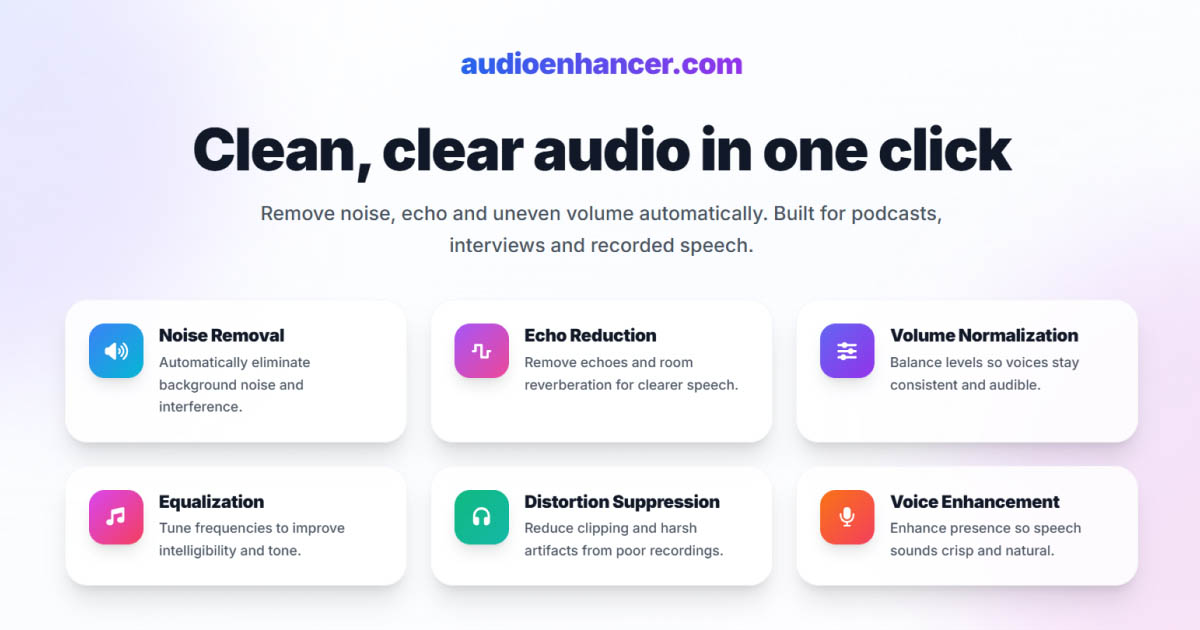
Tools like AudioEnhancer.com analyze your entire audio file and intelligently identify mouth clicks, pops, and smacks.
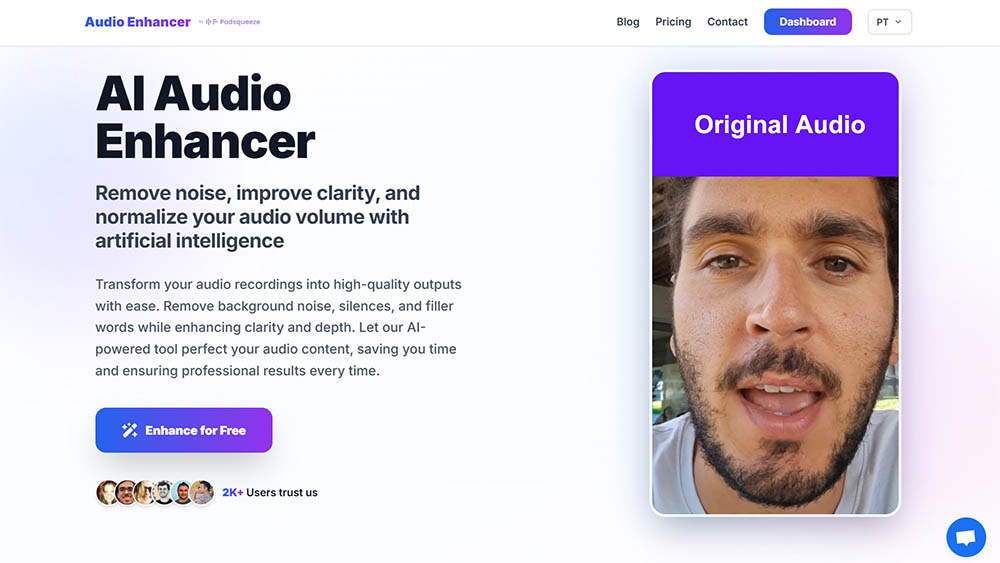
They remove these sounds automatically without requiring you to manually select noise profiles or adjust settings for each occurrence. The platform handles severe cases where mouth noises are constant throughout a recording, removing them while maintaining natural voice characteristics.
Advantages of AI removal:
- Automatic detection: No need to manually find and select each mouth noise
- Consistent results: Same quality across your entire recording
- Preserves voice quality: Removes clicks without making speech sound processed
- Time-efficient: Process entire files in minutes instead of hours
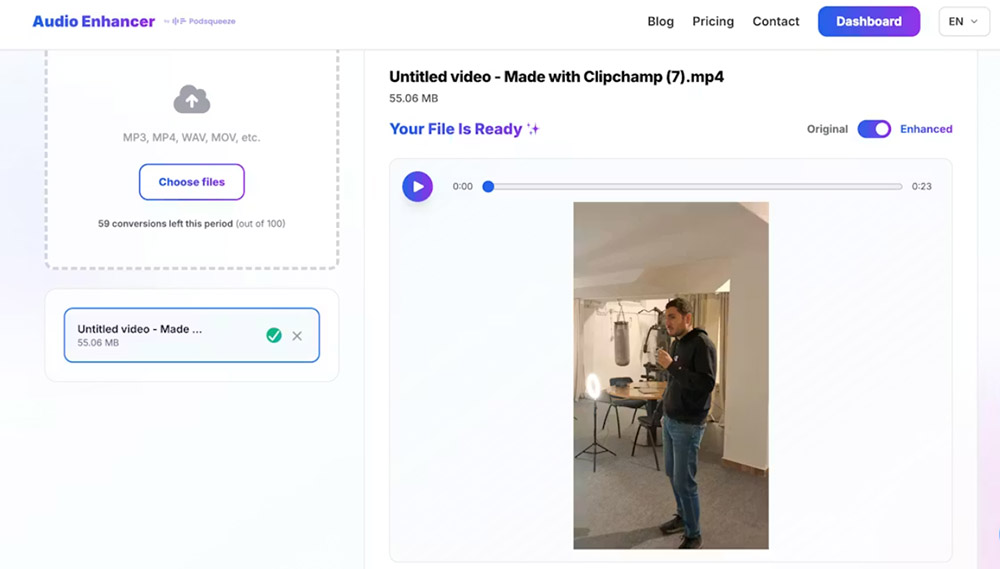
For podcasters producing multiple episodes weekly, AI-powered tools eliminate the repetitive manual work that traditional editing requires. AudioEnhancer.com works with both audio and video files, making it useful for cleaning up podcast recordings or video content where mouth noises appear.
Method 3: Professional editing software
If you need more control or work with complex audio projects:
Adobe Audition offers spectral editing and advanced de-click tools that let you visualize and surgically remove mouth noises.
iZotope RX includes a Dialogue De-Clicker specifically designed for podcast and voice work, with presets for different types of mouth noises.
Descript uses AI to automatically remove filler words and some mouth noises as part of its editing workflow.
Best practices for clean audio
Regardless of which method you choose, these practices improve your results:
Don't over-process
Aggressive noise reduction can make audio sound unnatural or robotic. Start with conservative settings and increase gradually. Some minor mouth sounds are acceptable and sound more natural than completely sterile audio.
Record in a quiet space
Background noise competes with mouth sounds and makes removal more difficult. A quiet recording environment makes both prevention and post-production easier. For comprehensive guidance on removing background noise, see our detailed guide.
Use high-quality equipment
Better microphones and preamps capture cleaner audio with less electronic noise, making mouth sounds easier to identify and remove.
Keep original files
Always save a backup of your original recording before applying any effects. This lets you start over if processing introduces unwanted artifacts.
Test on short clips
Before processing your entire recording, test your settings on a 10-15 second sample that contains mouth noises. This saves time and helps you find the right balance between removal and naturalness.
When to accept mouth noises
Not all mouth sounds need removal. Some clicks and pops are natural parts of human speech, and removing too many can make audio sound sterile or over-processed. Professional podcasters often accept minor mouth sounds as part of authentic audio.
Focus on removing egregious sounds that distract listeners, such as loud smacks, wet clicks, or repetitive pops. Subtle sounds that don't interrupt the listening experience can often stay.
Combining prevention and post-production
The best approach combines prevention during recording with selective post-production cleanup. Prevent what you can at the source, then use editing tools to remove whatever couldn't be avoided. This workflow produces the cleanest results while maintaining natural voice quality.
For creators producing content regularly, this two-step approach saves significant time compared to relying entirely on post-production. Prevention takes seconds; manual editing takes hours.
Conclusion
Mouth noises don't have to ruin your audio. With proper prevention techniques during recording and effective post-production tools, you can produce clean, professional-sounding content.
Start with hydration, microphone positioning, and a pop filter. These simple steps prevent most mouth noises. Then use Audacity for manual removal or AI-powered tools for automatic processing. The combination of prevention and post-production gives you the best results with the least effort.
Your listeners will notice the difference. Clean audio keeps them engaged and makes your content sound professional, whether you're podcasting, creating voiceovers, or recording interviews.