CleanVoice vs Adobe Enhancer vs AudioEnhancer.com: Which Audio Tool Wins in 2026?

A real-world comparison from hands-on use
Over the past months, I've tested quite a few AI audio enhancement tools across podcasts, YouTube videos, interviews and some truly ugly recordings. In this article, I want to compare three popular options that all aim to solve the same problem, but do it in noticeably different ways: Cleanvoice AI, Adobe Podcast Enhance Speech, and AudioEnhancer.com.
The short version is this: all three tools are good. They all clean audio, improve clarity, and can turn "not ideal" recordings into something publishable. Where things get interesting is in edge cases, extreme conditions, and workflow preferences. That's where the differences start to matter.
I'll walk through each one as if I were reviewing them in a YouTube video, focusing on how they actually behave in practice.
AudioEnhancer.com: reliability first, no surprises
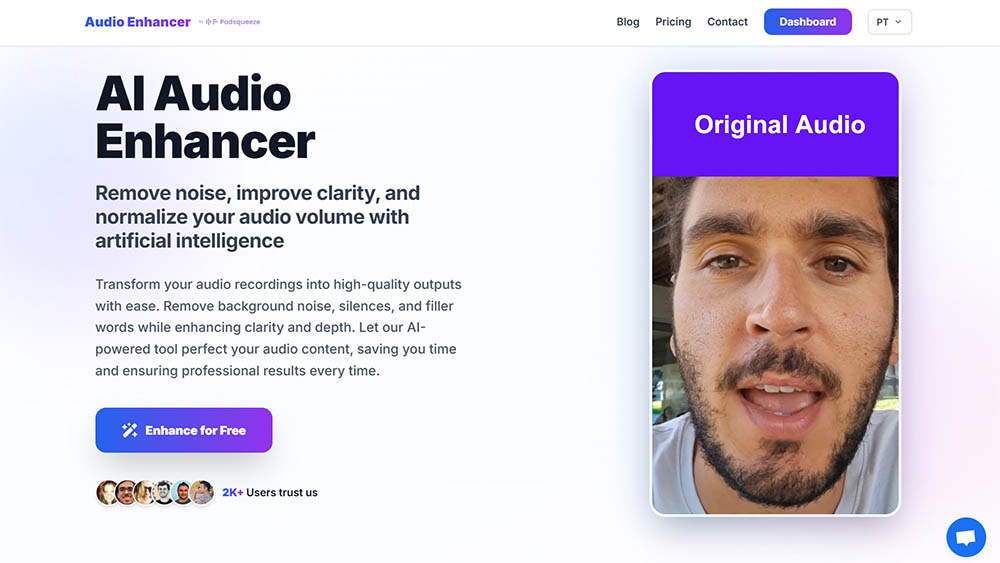
When I think about AudioEnhancer.com, the word that keeps coming back is reliability.
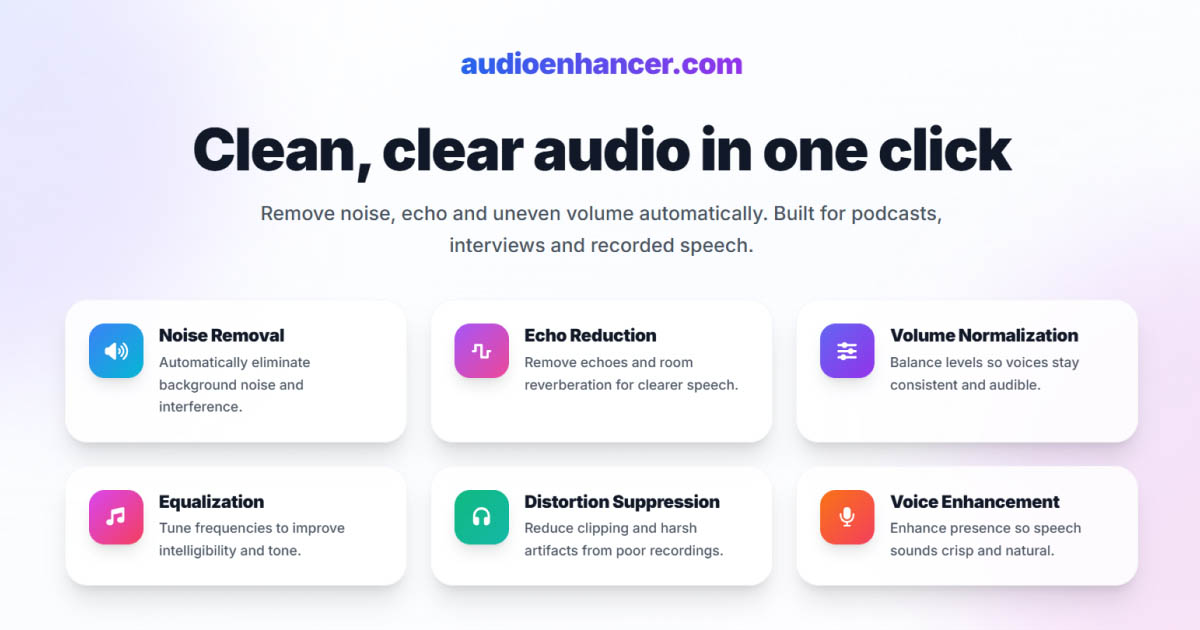
In my tests, this was the most predictable and stable tool of the three. I threw a lot at it: background noise, heavy room echo, plosives, clipping, and interviews with wildly uneven volume levels. As long as the original voice was reasonably faithful (even if the environment was awful), the results were consistently clean and natural.
What stood out most was how well it handled extreme noise and echo without introducing artifacts. Both Adobe Enhancer and CleanVoice occasionally produced robotic textures or strange digital artifacts when pushed hard. AudioEnhancer.com didn't. The voice stayed human, clear and intact.
I also liked how it treated brightness and presence. In echo-heavy recordings, Adobe tended to sound a bit muffled, while AudioEnhancer.com kept the voice more open and bright. CleanVoice landed somewhere in between, but AudioEnhancer felt the most "studio-like" without sounding processed.
The workflow is refreshingly simple: upload, process, download. No extra steps, no feature overload, no distractions.
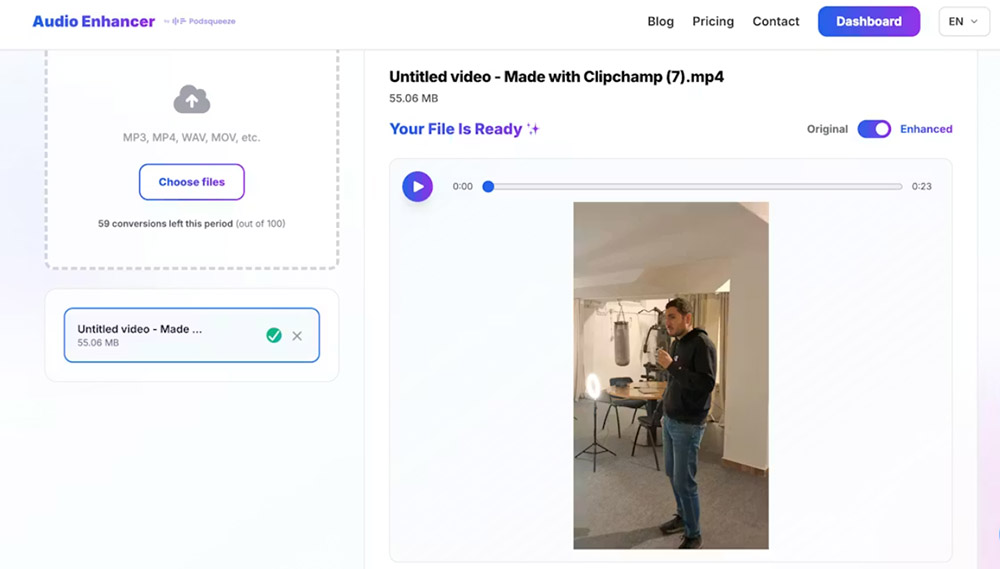
It supports both audio and video, which makes it especially practical for YouTube creators and anyone working with video interviews.
That simplicity is intentional. There's no filler-word removal, no timeline, no granular controls. You're trusting the processing to do the right thing, and in my experience, it usually does.
Where it's weaker
This is not a voice resynthesis tool. If you feed it extremely degraded audio, like heavily compressed phone calls on speaker, it won't magically reconstruct the voice. It cleans and enhances what's there, rather than inventing what's missing.
Perfect for
-
Content creators seeking natural and predictable results
-
Recordings with extreme background noise, intense echo, plosives, mouth clicks and breathing, as long as the original voice is recognizable
-
Audio recorded with normal microphones or phone microphones
-
Interviews with large volume differences between speakers
-
Those who want a simple interface, without bloat or distractions
-
Users who value reliability and want to avoid robotic artifacts
-
Cases where the goal is to clean and professionalize real sound, not reconstruct extremely degraded voices (e.g., phone calls on speaker in the car)
CleanVoice AI: surgical editing for spoken content
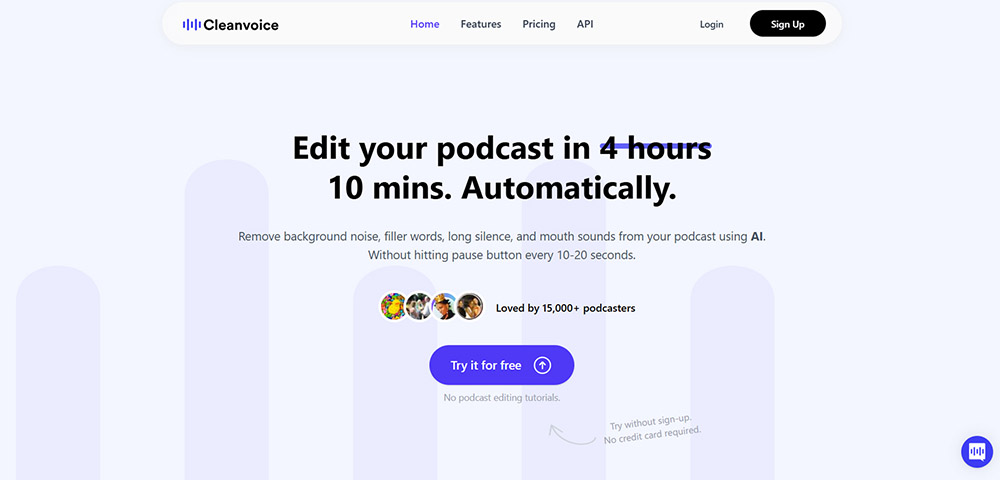
CleanVoice takes a very different approach.
Rather than focusing primarily on environmental noise, CleanVoice shines when it comes to micro-acoustic problems. If you're dealing with lots of "ums", "ahs", mouth clicks, lip smacks, heavy breathing or long awkward silences, this tool is impressive.
I found it particularly effective for long podcast episodes where manually removing filler words would be soul-crushing. CleanVoice detects these elements automatically and presents them in a timeline where you can approve or reject each change. That editorial control is a big plus if you don't want fully destructive edits.
In terms of vocal identity, CleanVoice does a good job preserving the speaker's natural cadence. It doesn't push the voice into that overly polished, synthetic territory that Adobe sometimes does.
However, things get more fragile in noisy or echo-heavy environments. When pushed with severe background noise or strong room reverb, I noticed the audio could start to sound "pixelated" or slightly crumpled, almost like a mild autotune effect. In those cases, I sometimes preferred the raw audio over the processed result.
The interface is more complex than the other two, and while the extra features are powerful, they can slow down the flow.
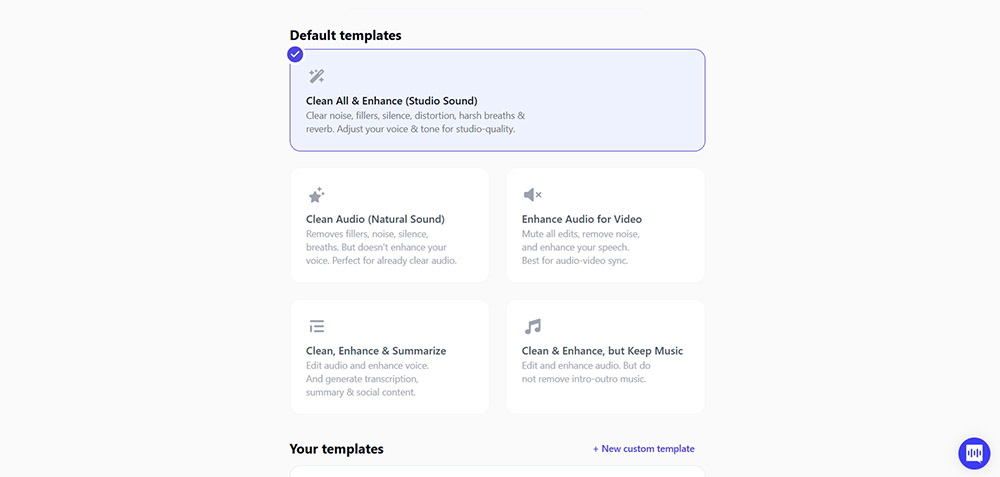
Minor annoyance: when I tested it, parts of the interface defaulted to French, and changing the language wasn't immediately obvious.
Where it's weaker
CleanVoice is not the best choice for heavy echo removal or extreme noise. It's also more expensive if you process large volumes, and the transcription quality didn't impress me compared to dedicated tools.
Perfect for
-
Podcasters who want to automatically remove filler words ("um", "ah", "like")
-
Content with lots of mouth sounds, breathing and long silences
-
Editors who prefer manual supervision through a timeline of suggestions
-
Users who value additional features beyond simple audio cleaning
-
Those who need integrated transcription
-
Projects where speech rhythm and fluency are as important as sound cleaning
Adobe Podcast Enhance Speech: impressive, but risky
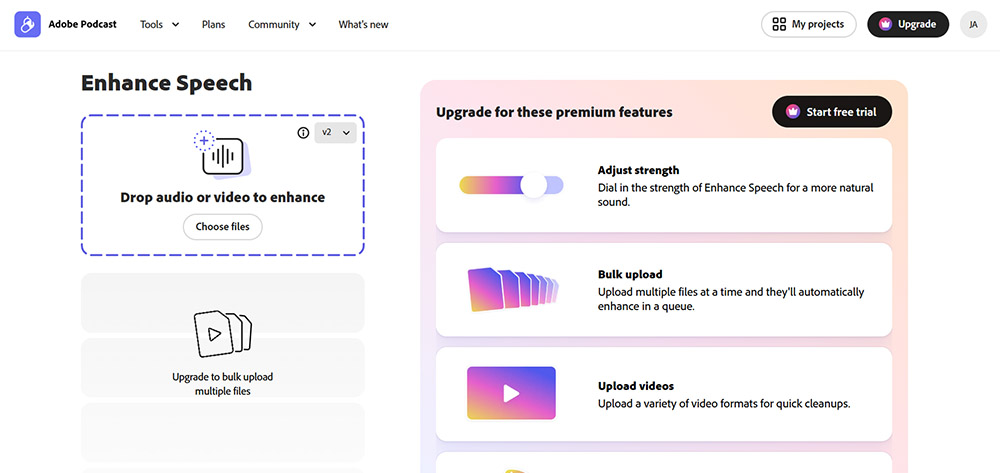
Adobe Enhance Speech is the most dramatic of the three.
When it works, it really feels like magic. I've seen it rescue recordings from convention halls, busy streets, hotel rooms with terrible acoustics, and even clipped audio that I assumed was beyond saving. In cases of severely degraded input, especially phone-like recordings, Adobe often does the best job because it effectively resynthesizes the voice.
This is also the tool that surprised me most with its ability to isolate speech from wind, machinery, background voices and music. For emergency situations, it can be a lifesaver.
But that power comes with trade-offs.
Because Adobe is essentially generating a new voice signal, it's also the most prone to robotic artifacts, metallic tones and occasional audio hallucinations. I've heard it invent syllables, smear consonants, or produce that unmistakable "AI voice" texture, especially when used at full strength.
The web interface is very simple and comparable to AudioEnhancer.com in terms of ease of use.
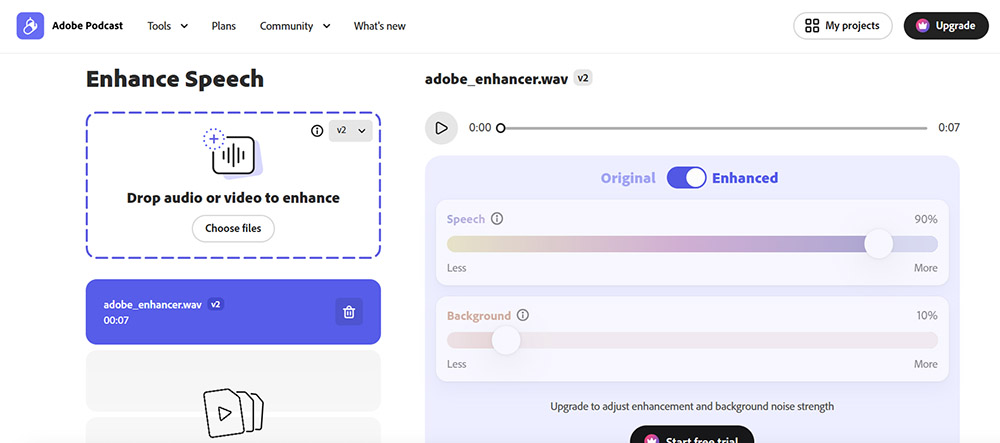
However, the free version offers no control over processing strength, which often leads to overprocessing. The paid version improves this with an intensity slider, and many experienced users keep it around 70–75% to avoid artifacts.
Another important nuance: the web version is significantly better than the Enhance Speech feature inside Premiere Pro, which feels more constrained and less reliable.
Where it's weaker
For high-fidelity content, audiobooks, or professional podcasts where natural voice is critical, Adobe can be risky. It's powerful, but less predictable.
Perfect for
-
Emergency situations with very degraded audio
-
Recordings where the original voice is heavily compromised and needs resynthesis
-
Aggressive removal of noise, wind and echo in difficult environments
-
Content recorded with weak equipment or in chaotic conditions
-
Users who want a drag-and-drop workflow with a simple interface
-
Cases where some risk of artifacts is acceptable in exchange for "saving" the audio
Side-by-side mindset: how I think about them
After using all three extensively, this is how I mentally categorize them:
AudioEnhancer.com is the most stable and predictable. It excels at cleaning real-world recordings from microphones or phones, even in extreme environments, without introducing artifacts.
CleanVoice AI is a content editor's tool. It's fantastic for removing filler words, mouth noises and silences, especially in long spoken formats.
Adobe Enhance Speech is the emergency option. It can salvage audio that feels unsalvageable, but it's also the most likely to sound synthetic if pushed too hard.
None of these differences are deal breakers. They're trade-offs.
Which one should you choose?
Choose AudioEnhancer.com if you want the most reliable, natural-sounding results with minimal effort. It's ideal for content creators, podcasters and professionals working with microphones or mobile recordings who care about consistency and realism.
Choose CleanVoice AI if your biggest pain point is filler words, mouth noises and pacing. It's especially useful for long-form spoken content where editorial control matters.
Choose Adobe Enhance Speech if you frequently deal with extremely degraded audio and need a last-resort tool that can reconstruct speech, even if it occasionally introduces artifacts.
All three start around similar price points on premium plans. The "best" choice really depends on the kind of problems you're trying to solve, not on which tool is objectively better.
If you care about natural voice and predictable output, I'd personally reach for AudioEnhancer.com first. If I need surgical cleanup of speech habits, CleanVoice earns its place. And if everything else fails, Adobe is the wildcard that sometimes pulls off a miracle.