Adobe Speech Enhancer vs Krisp vs AudioEnhancer.com: Which One Should You Use?
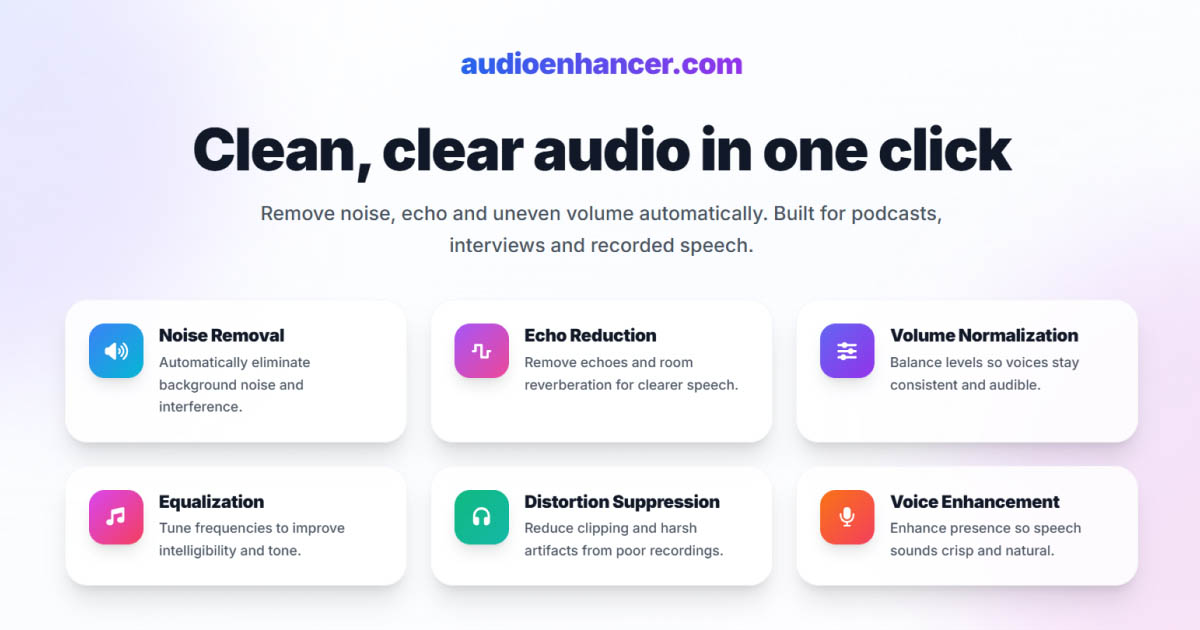

If you're comparing Adobe Podcast Enhance Speech, Krisp, and AudioEnhancer.com, you're looking at three tools that all aim to solve the same problem — cleaner audio — but at very different moments in the workflow.
All three are good at what they do. The real differences only become clear when you look at real-time vs post-production, how aggressive the processing is, and how much natural voice quality you're willing to trade for convenience.
Quick comparison (TL;DR)
-
Best for natural, reliable post-production results: AudioEnhancer.com
-
Best for live calls and real-time noise removal: Krisp
-
Best for rescuing severely degraded recordings: Adobe Speech Enhancer
AudioEnhancer.com
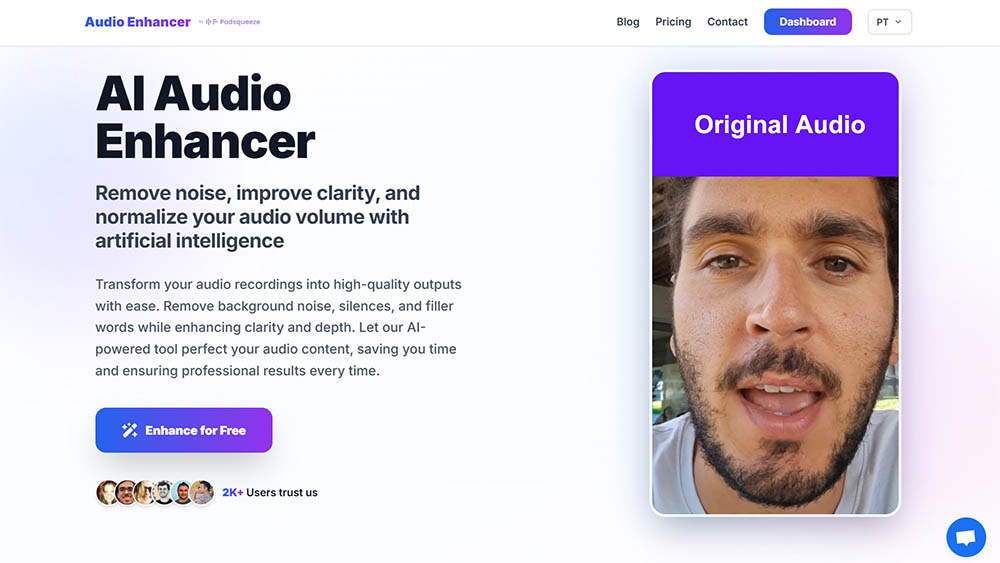
Stable, natural results in post-production
In my experience, AudioEnhancer.com is the most reliable and predictable option when you're working with recorded audio or video.
It performs extremely well with severe background noise, strong room echo, plosives, mouth clicks, breathing, and large volume imbalances, as long as the original voice is still recognizable. Even in difficult recordings, the output remains natural and human, without the robotic or "flattened" texture that aggressive noise cancellation can introduce.
One thing I consistently noticed is how well it balances cleanup and fidelity. Compared to Adobe, it avoids sounding muffled, and compared to Krisp, it doesn't thin out the voice. The result feels closer to a clean studio recording rather than "AI-processed audio".
The workflow is intentionally simple: upload, process, download. There's no learning curve, no configuration, and no risk of accidentally ruining a good recording.
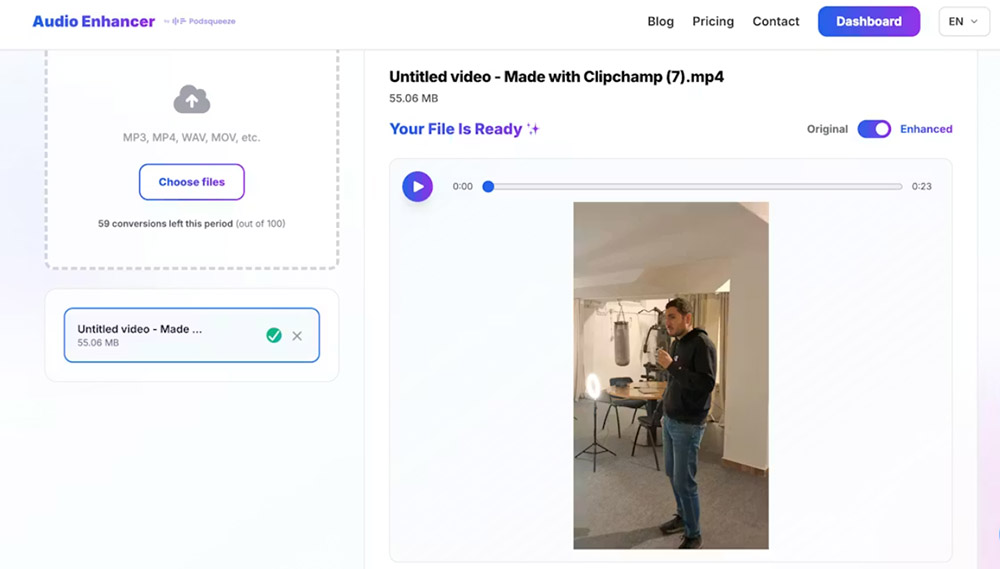
It also works with both audio and video, which makes it practical for creators publishing across platforms.
Where it draws a clear line is voice reconstruction. AudioEnhancer.com doesn't attempt to resynthesize voices that are extremely degraded, such as heavily compressed phone calls on speaker in a car. Instead, it focuses on cleaning real recordings while preserving vocal identity.
Perfect for
-
Creators who want natural, stable results
-
Audio with extreme background noise, echo, plosives, mouth clicks and breathing
-
Recordings made with microphones or mobile devices
-
Interviews with severe volume differences
-
Users who want a simple interface and predictable output
-
Situations where the voice is recognizable but not extremely degraded
Krisp
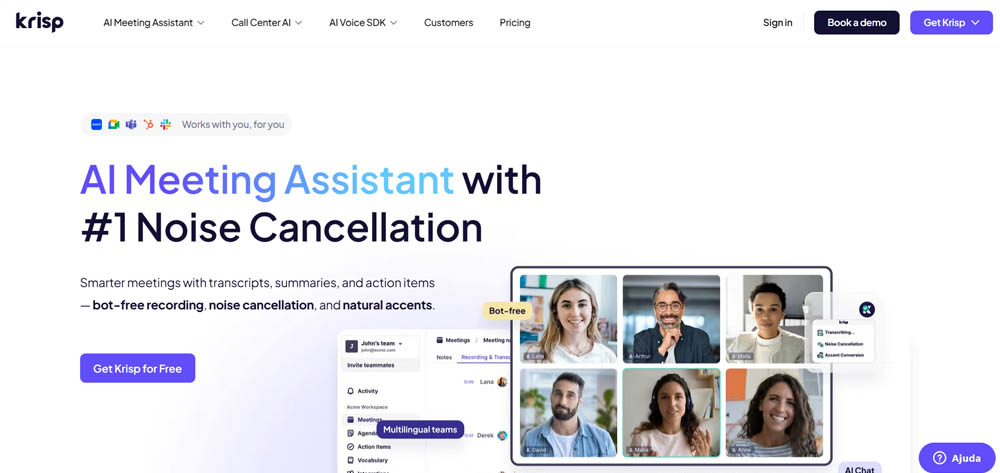
Real-time noise cancellation when you can't control the environment
Krisp lives in a completely different category from the other two tools.
Instead of post-production, Krisp works in real time, acting as a layer between your microphone and whatever app you're using. For live calls, streams, or meetings in noisy environments, it's incredibly effective.
In my tests, Krisp excelled at removing unpredictable household and urban noise — kids, dogs, doors slamming, street sounds — instantly. It integrates with almost everything (Zoom, Teams, OBS, Skype, DAWs), has low CPU impact, and even cleans incoming audio from other participants, which is a big plus for meetings.
That said, the trade-off is voice fidelity. Krisp's aggressive noise suppression often results in audio that sounds thinner, flatter, or slightly robotic. In already quiet environments or when using a good studio microphone, I've seen it actually make the audio worse by "hunting for noise that isn't there".
For professional recordings, this matters. Once Krisp processes the audio in real time, you can't undo it. That's why many audio professionals prefer recording clean or even noisy audio and fixing it later in post-production.
Perfect for
-
Live calls, meetings and streams
-
Working from noisy or unpredictable environments
-
Situations where you can't control background noise
-
Users who need real-time processing
-
People who value convenience over maximum vocal fidelity
-
Short daily use cases supported by the generous free plan
Adobe Podcast Enhance Speech
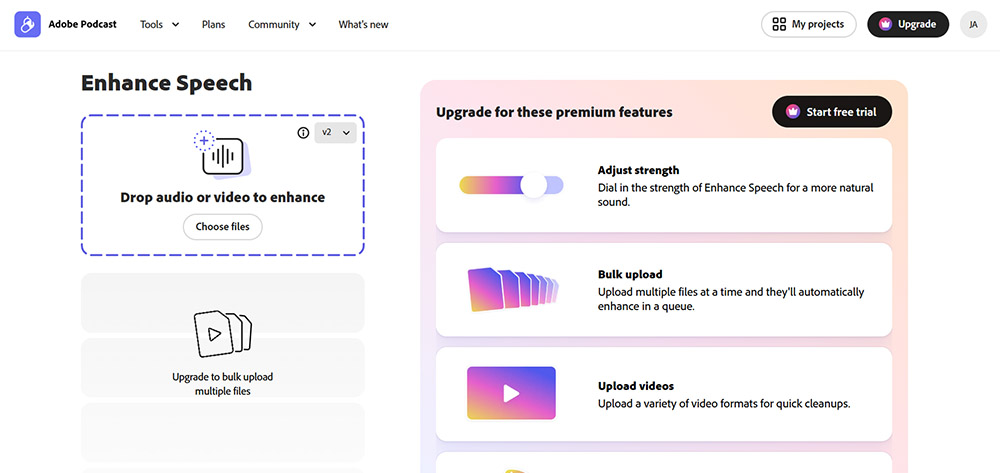
Extreme audio rescue through voice resynthesis
Adobe Speech Enhancer is the most aggressive and dramatic tool in this comparison.
Its strength lies in voice resynthesis. Instead of simply cleaning the original signal, Adobe reconstructs the voice, making it exceptionally good at handling severely degraded recordings, including heavy noise, wind, machinery, overlapping voices, and highly compressed audio.
In cases where the recording feels almost unusable, Adobe often produces the most intelligible result of the three. This makes it a powerful rescue option.
The downside is predictability. Because the voice is regenerated, the output can sound metallic, robotic, or over-processed, especially when used at full strength. I've also encountered occasional audio hallucinations in very noisy inputs.
The interface is simple and fast.
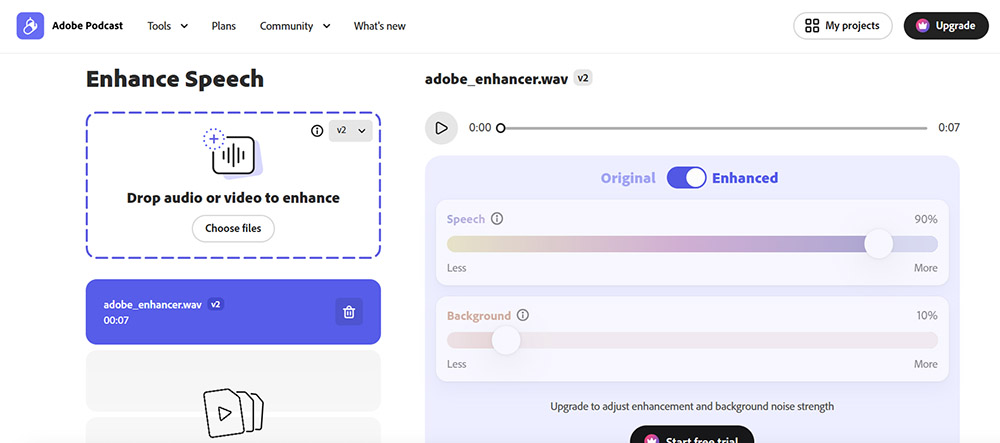
The free version offers no control over processing intensity, which increases the risk of artifacts. With the paid version, more conservative settings help a lot.
I see Adobe as a last-resort or emergency tool, not something I'd use as a default for professional content.
Perfect for
-
Heavily degraded or compressed recordings
-
Audio captured in chaotic environments
-
Situations where voice reconstruction is required
-
Emergency or last-resort audio cleanup
-
Users who want a very simple drag-and-drop interface
-
Scenarios where some artifacts are acceptable
Final verdict: which one should you choose?
These tools solve different problems at different stages.
-
If you want natural, reliable post-production results, AudioEnhancer.com is the safest and most consistent choice.
-
If you need real-time noise removal for calls, streams or meetings, Krisp is hard to beat, as long as you accept some loss in vocal fidelity.
-
If you're dealing with extremely degraded recordings that need reconstruction, Adobe Speech Enhancer can do things the others simply can't.
The key isn't which tool is "best", but when and how you use it. Many creators will actually benefit from using more than one, depending on whether they're live on a call, recording content, or rescuing problematic audio after the fact.