Adobe Speech Enhancer vs ElevenLabs Voice Isolator vs AudioEnhancer.com: Which One Should You Use?
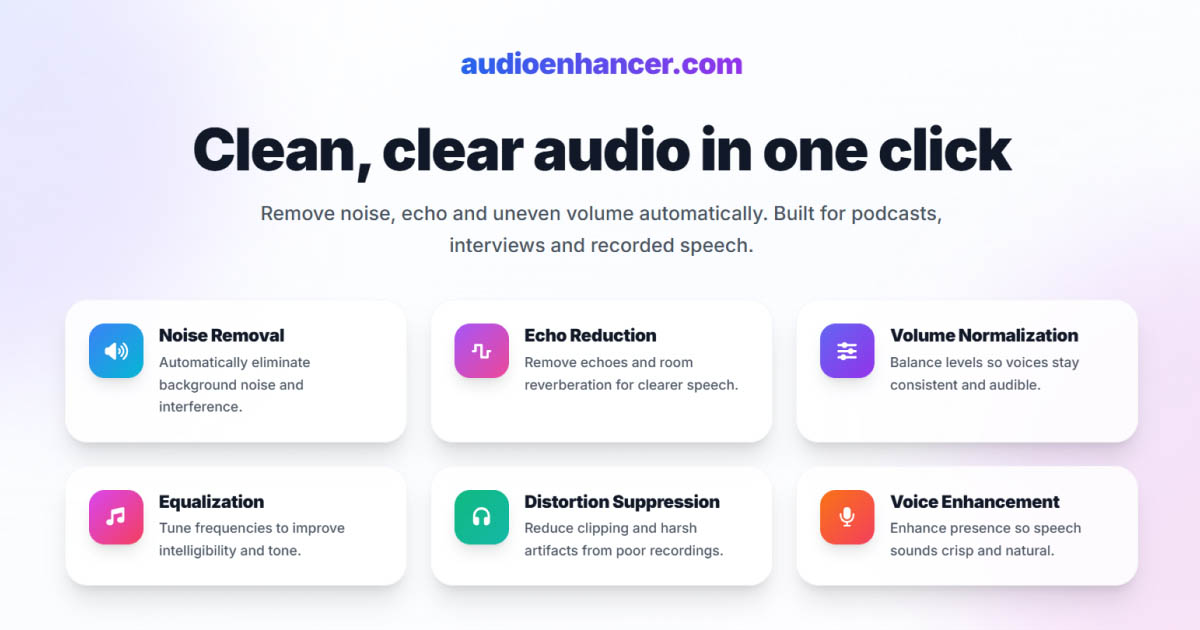

If you're comparing Adobe Podcast Enhance Speech, ElevenLabs Voice Isolator, and AudioEnhancer.com, you're looking at three tools that can all dramatically improve audio quality, but that approach the problem from very different angles.
All three do a good job overall. The real differences show up when you look at how aggressively they clean, how much they preserve the original voice, and how stable the output is in extreme conditions.
This comparison focuses on those nuances to help you choose the right tool for your workflow.
Quick comparison (TL;DR)
-
Best for natural, stable, all-around enhancement: AudioEnhancer.com
-
Best for voice cloning and AI-generated voices: ElevenLabs Voice Isolator
-
Best for rescuing severely degraded audio: Adobe Speech Enhancer
AudioEnhancer.com
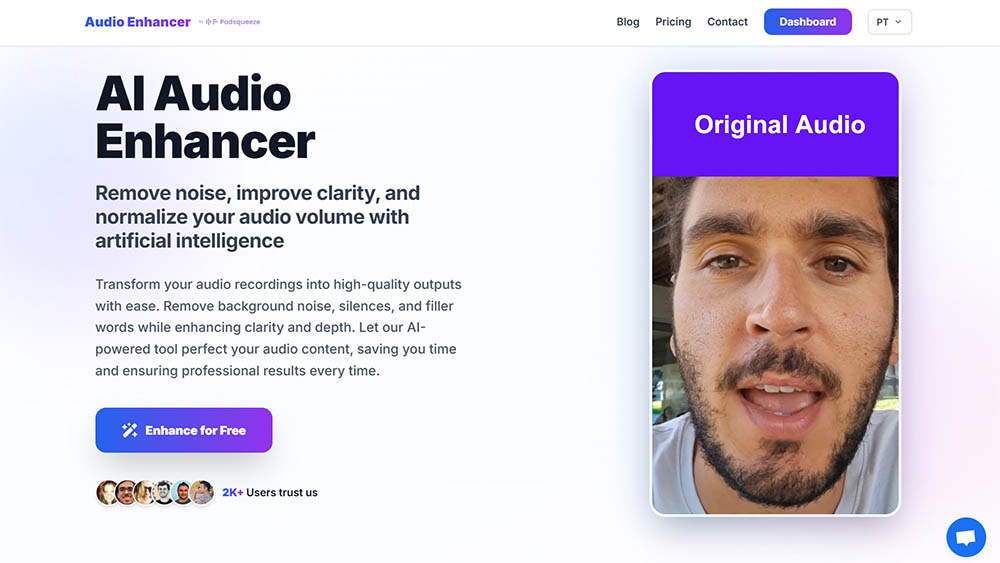
Balanced cleanup with natural, reliable results
In my tests, AudioEnhancer.com consistently delivered the most stable and predictable results across a wide range of real-world recordings.
It handled extreme background noise, strong room echo, plosives, mouth clicks, breathing, and large volume imbalances very well, as long as the original voice was still recognizable. Even when pushed hard, the output stayed natural, without introducing metallic tones, robotic textures, or unexpected artifacts.
One thing I particularly noticed is how well it balances cleanup and fidelity. Compared to Adobe, it avoids sounding muffled or synthetic. Compared to ElevenLabs, it feels more "finished" out of the box, with fewer level issues and less need for follow-up processing.
The interface is intentionally simple: upload, process, download. There are no advanced controls, but also no distractions.
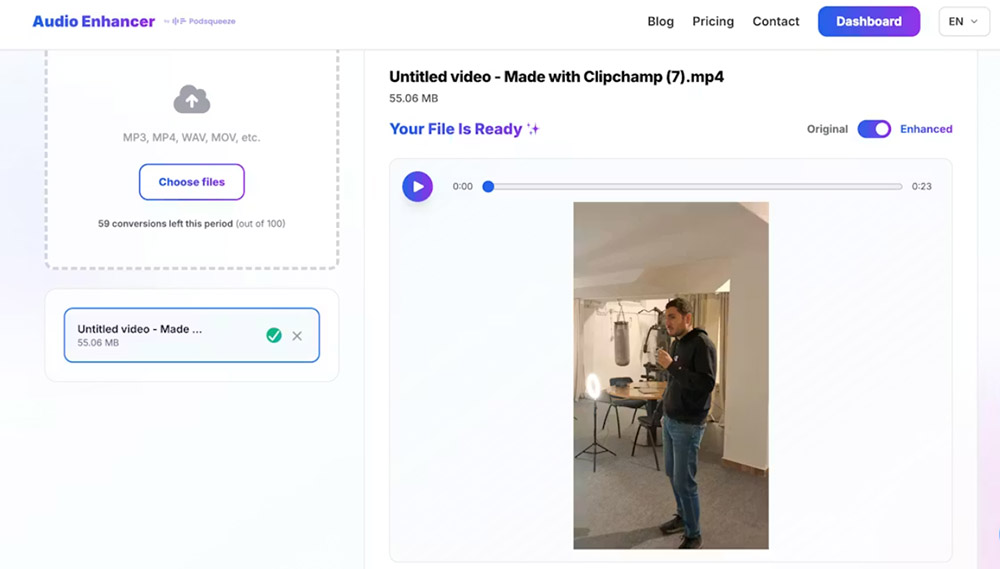
It works with both audio and video, which makes it practical for podcasts, YouTube content, interviews, and UGC.
Like the other tools, it doesn't attempt voice resynthesis. If the input audio is extremely degraded, such as heavily compressed phone calls on speaker in a car, it won't reconstruct missing detail. Instead, it focuses on cleaning real recordings while preserving vocal identity.
Perfect for
-
Creators who want natural, stable results
-
Audio with extreme background noise, echo, plosives, mouth clicks and breathing
-
Recordings made with microphones or mobile devices
-
Interviews with severe volume differences
-
Users who want a simple interface and predictable output
-
Situations where the voice is recognizable but not extremely degraded
ElevenLabs Voice Isolator
Limited effectiveness for noise removal and audio enhancement
ElevenLabs is primarily designed for voice cloning and AI-generated voices, not as a general-purpose audio enhancer.
In my testing, I found that its Voice Isolator feature struggles significantly with noise removal, especially when compared to the other two tools. It's only okay at removing light background noise, but when dealing with severe noise, it had the most difficulty of all three tools.
Even though it removed most of the noise, the results were problematic. The voice became very pixelated, and artifacts remained in the processed audio. This made the output less usable than what I got from AudioEnhancer.com or Adobe, especially in challenging recording conditions.
The tool does preserve vocal timbre reasonably well when the source audio is already clean, but that's not the primary use case for most audio enhancement needs.
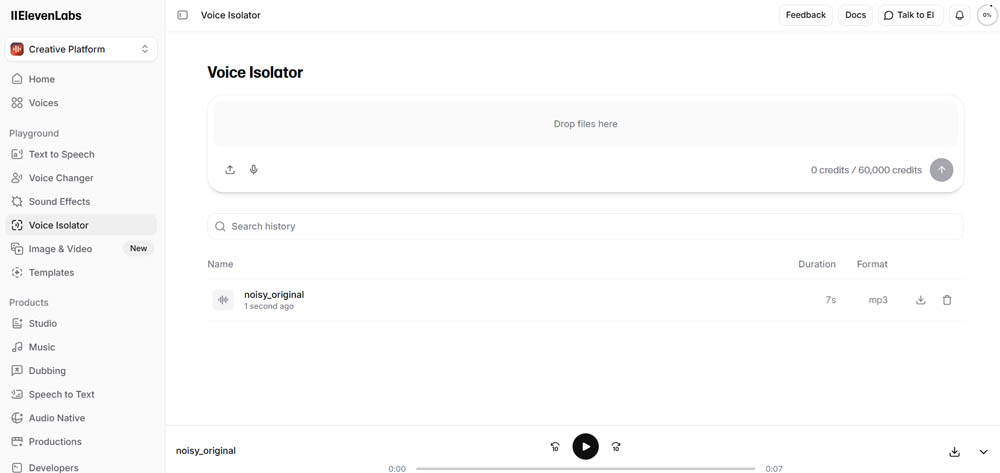
For removing background noise or treating pre-recorded audio, ElevenLabs is not recommended.
In general, this tool is best suited for voice cloning and artificial voices, not as an audio enhancer for noise removal or pre-recorded content cleanup.
Perfect for
-
Voice cloning and AI-generated voice projects
-
Users working with ElevenLabs' voice synthesis features
-
Situations where voice isolation is needed on already clean recordings
Where it struggles
-
Removing severe background noise (the most difficult of the three tools in this scenario)
-
Treating pre-recorded audio that needs noise removal
-
Heavy noise reduction results in pixelated voice and artifacts
-
Not recommended as a general-purpose audio enhancer
Adobe Podcast Enhance Speech
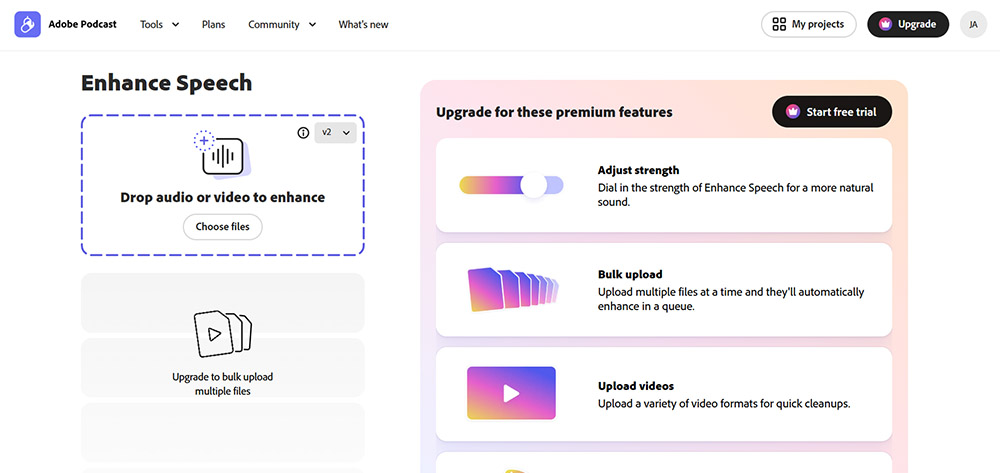
Extreme cleanup through voice resynthesis
Adobe Speech Enhancer remains the most aggressive option in this comparison.
Its strength is voice resynthesis. Instead of simply cleaning the original signal, Adobe effectively generates a new voice that mimics the speaker. This allows it to handle severely degraded recordings, including heavy noise, wind, machinery, overlapping voices, and highly compressed audio.
In situations where the recording feels almost unusable, Adobe can deliver intelligible results when other tools struggle. This makes it a powerful rescue option.
The downside is predictability. Because the voice is reconstructed, artifacts can appear. Metallic tones, robotic textures, and occasional audio hallucinations are not uncommon, especially at full strength.
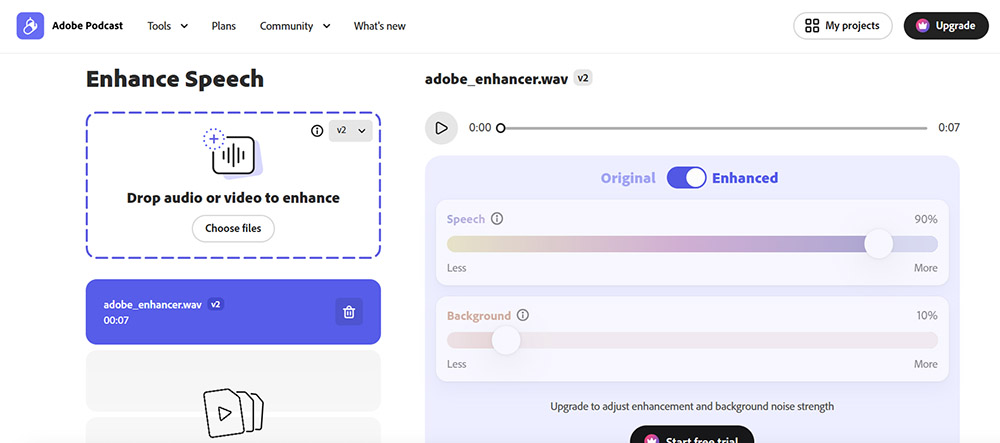
The free version offers no control over intensity, which increases the risk of overprocessing. The paid version improves this significantly when used more conservatively.
I tend to see Adobe as a last-resort or emergency tool, rather than something I'd use for content where natural voice quality is critical.
Perfect for
-
Heavily degraded or compressed audio
-
Recordings captured in chaotic or uncontrolled environments
-
Situations where voice reconstruction is necessary
-
Emergency or last-resort audio cleanup
-
Users who want a very simple drag-and-drop interface
-
Scenarios where some artifacts are acceptable
Final verdict: which one should you choose?
The right choice depends on what you're trying to fix and how much realism you want to preserve.
-
If you want natural, reliable results with minimal effort and no surprises, AudioEnhancer.com is the safest all-around choice.
-
If you need to rescue severely degraded audio that other tools can't handle, Adobe Speech Enhancer remains unmatched, with the trade-off of potential artifacts.
-
If you're working with voice cloning or AI-generated voices, ElevenLabs Voice Isolator has its place, but it's not recommended as a general-purpose audio enhancer for noise removal or pre-recorded content.
For removing background noise or treating pre-recorded audio, AudioEnhancer.com and Adobe are the better options. ElevenLabs struggles significantly with severe noise removal and produces pixelated results with artifacts.
Think less in terms of "best tool" and more in terms of best tool for your specific audio problem. That's where these differences really matter.