Adobe Speech Enhancer vs Descript Studio Sound vs AudioEnhancer.com: Which One Should You Use?
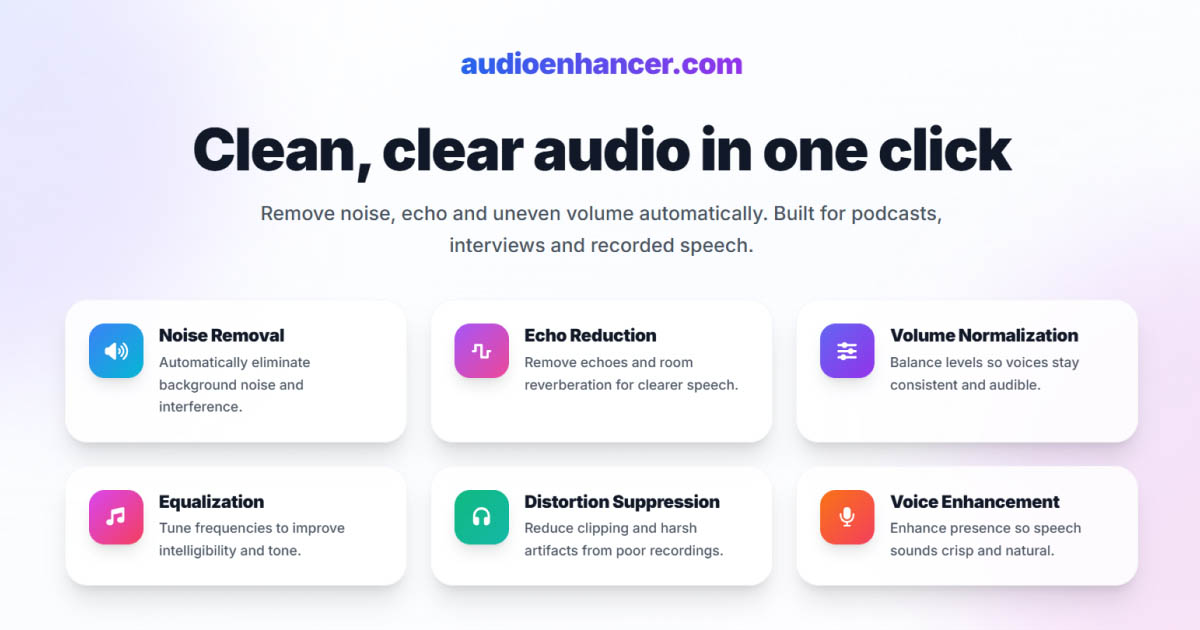

If you're comparing Adobe Podcast Enhance Speech, Descript Studio Sound, and AudioEnhancer.com, the good news is that all three tools do a solid job cleaning audio.
The real differences only show up in extreme conditions, workflow preferences, and how much control or simplicity you want. This comparison focuses on those nuances to help you choose the right tool for your specific use case.
There's no single winner here, but there is a better choice depending on what you value most.
Quick comparison (TL;DR)
-
Best for natural and reliable results: AudioEnhancer.com
-
Best for heavily degraded audio and voice reconstruction: Adobe Speech Enhancer
-
Best for editing workflows and filler word removal: Descript Studio Sound
AudioEnhancer.com
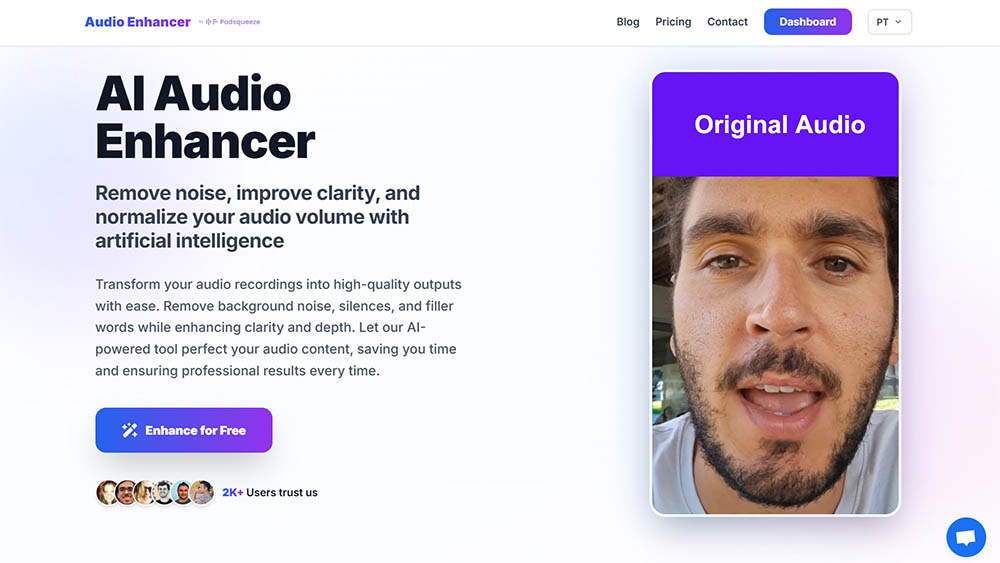
Natural results and high reliability in real-world conditions
In my tests, AudioEnhancer.com was the most predictable and stable tool of the three.
It handled extreme background noise, strong room echo, plosives, mouth clicks, breathing, and large volume imbalances surprisingly well. As long as the original voice was still recognizable, the output stayed clean, natural, and human, without the metallic or robotic artifacts I occasionally heard with the other tools.
One thing I consistently noticed is how well it preserves clarity in echo-heavy recordings. Compared to Adobe, which can sound slightly muffled in those scenarios, AudioEnhancer.com keeps the voice brighter and more open. CleanVoice (in the previous comparison) behaved similarly here, but in this trio, AudioEnhancer felt the most stable overall.
The interface is extremely simple: upload, process, download. No timeline, no extra features, no learning curve.
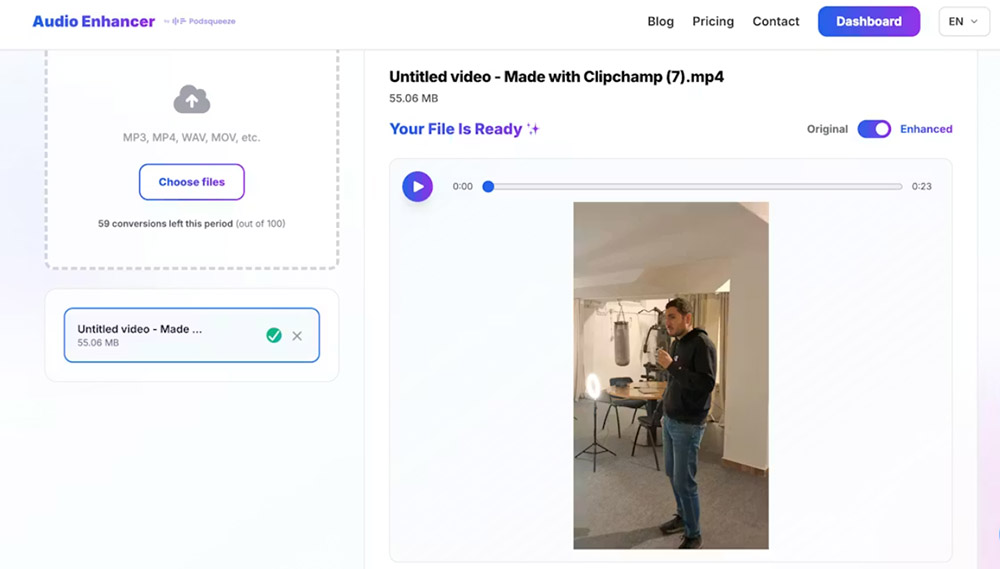
It also works with both audio and video, which makes it practical for YouTube creators and interview-based content.
Where it draws a clear line is voice resynthesis. If the input audio is extremely degraded, like heavily compressed phone calls on speaker in a car, it won't reconstruct missing voice detail. It enhances real recordings rather than inventing new ones.
Perfect for
-
Creators who want natural, stable results
-
Audio with extreme background noise, strong echo, plosives, mouth clicks and breathing
-
Recordings made with microphones or mobile devices
-
Interviews with severe volume differences between speakers
-
Users who value a simple interface and predictable output
-
Situations where the voice is recognizable but not extremely degraded (not ideal for phone calls on speaker in a car)
Adobe Podcast Enhance Speech
Powerful cleanup and voice reconstruction, with some risk
Adobe Speech Enhancer is the most aggressive and impressive tool when things go really wrong.
It excels at removing heavy noise, wind, machinery sounds, overlapping voices and strong echo, and it's clearly the strongest option here for rebuilding heavily degraded speech. In phone-like recordings or extremely compressed audio, Adobe often produces the most intelligible result because it effectively resynthesizes the voice.
That same strength is also its weakness.
Because Adobe generates a new voice signal rather than simply cleaning the original, it's more prone to robotic or metallic artifacts, especially when used at full strength. I've also encountered occasional audio hallucinations in very noisy inputs.
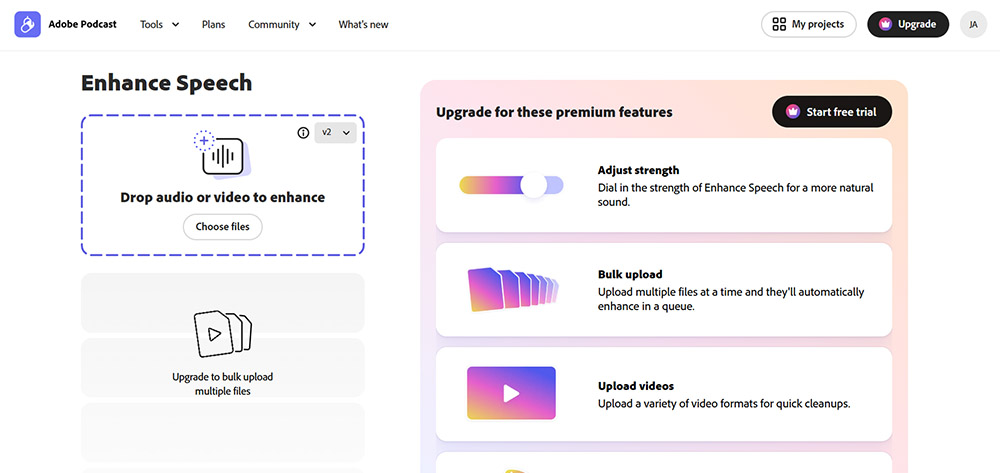
The interface itself is simple and comparable to AudioEnhancer.com in terms of flow.
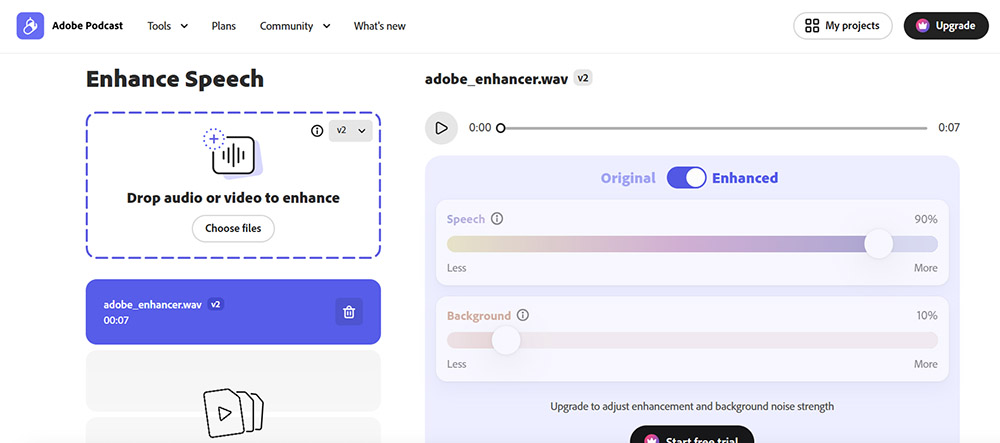
However, the free version offers no control over processing intensity, which increases the likelihood of overprocessing. The paid version improves this significantly, especially when the effect is kept around 70–75%.
I see Adobe as a powerful rescue tool, not something I'd default to for high-fidelity professional content.
Perfect for
-
Heavily degraded audio that needs voice reconstruction
-
Removing aggressive noise and echo in chaotic environments
-
Emergency or last-resort audio recovery
-
Users who want a drag-and-drop interface
-
Cases where some risk of artifacts is acceptable
Descript Studio Sound
Unmatched productivity inside a full editing ecosystem
Descript Studio Sound isn't just an audio enhancer. It's part of a large, text-based editing platform designed to replace traditional audio and video editors.
From a productivity standpoint, it's impressive. Being able to remove noise, echo, silences and filler words while editing audio like a document is a huge time saver, especially for teams. In stress tests, Studio Sound often turns poor recordings into something usable, and sometimes even makes decent audio sound very polished.
It also includes advanced features like voice cloning (Overdub) and AI-powered video tools, which can be valuable in larger production workflows.
That said, there are trade-offs. When pushed hard, Studio Sound can introduce a metallic or flattened sound, especially with noisy inputs. I've also seen it struggle with non-American accents, leading to awkward cuts or digital stutter.
If your goal is simply to enhance audio, Descript can feel like overkill. The interface is complex, the learning curve is real, and performance depends on your computer's hardware.
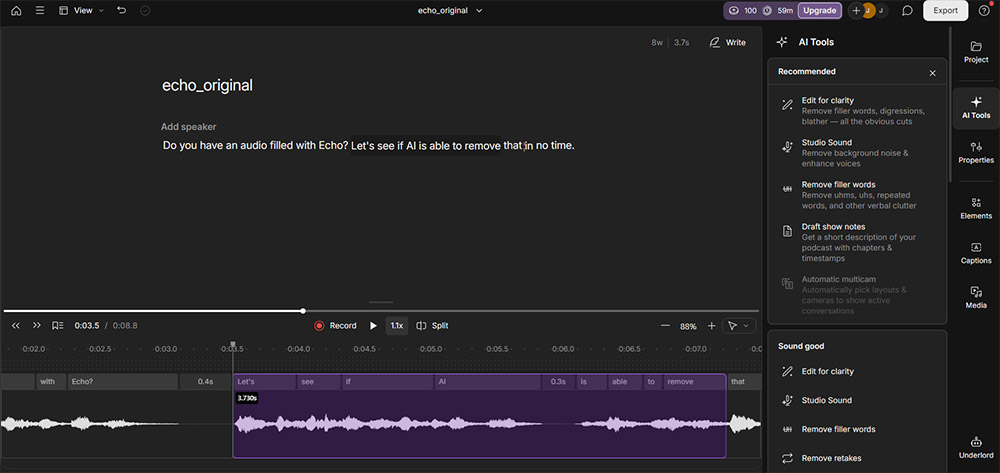
Exporting can also feel slower compared to web-based tools.
Perfect for
-
Teams already using Descript for text-based audio or video editing
-
Creators who want filler word removal, silence trimming and transcription
-
High-volume workflows where speed matters more than sonic purity
-
Users comfortable with a complex interface and learning curve
-
Projects where enhancement is part of a broader editing process
Final verdict: which one should you choose?
There's no universal winner here. The right choice depends on the problem you're solving.
-
If you want reliable, natural-sounding audio from real-world recordings with minimal effort, AudioEnhancer.com is the safest and most predictable option.
-
If you're dealing with severely degraded audio and need to reconstruct speech, Adobe Speech Enhancer can pull off results others can't, with the caveat of potential artifacts.
-
If audio enhancement is just one part of a larger editing workflow, and you value speed and features like filler word removal, Descript Studio Sound makes sense.
Think less in terms of "best tool" and more in terms of best fit for your workflow. That's where these tools really differentiate.