Adobe Speech Enhancer vs Auphonic vs AudioEnhancer.com: Which One Should You Use?
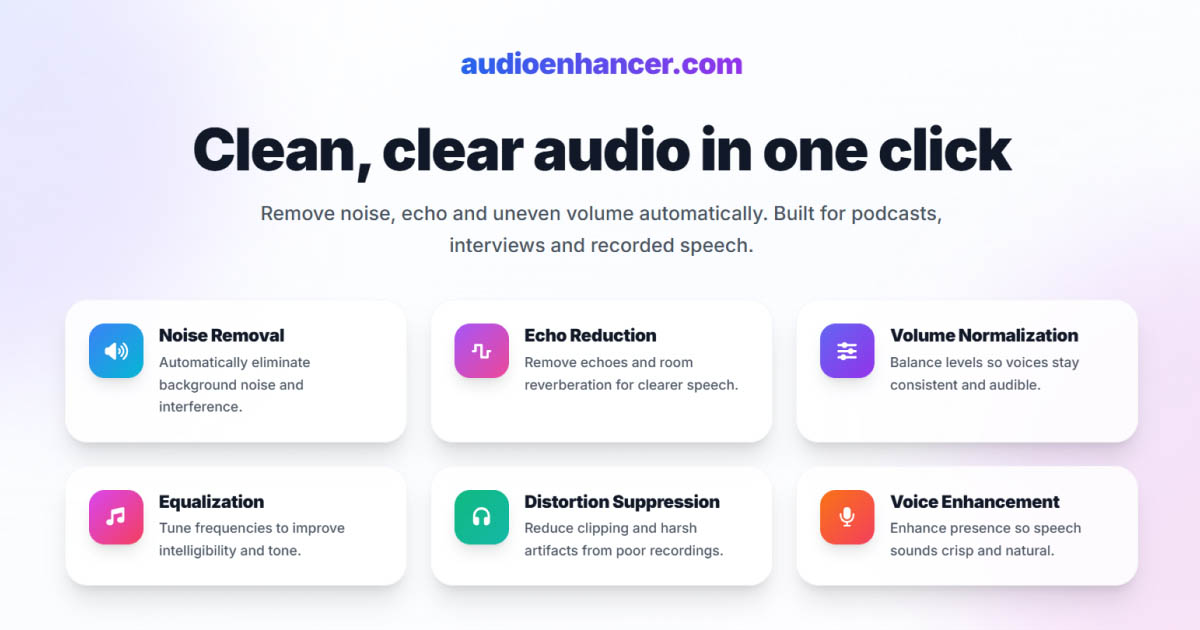

If you're comparing Adobe Podcast Enhance Speech, Auphonic, and AudioEnhancer.com, you're already looking at three very solid audio enhancement tools.
All of them can clean audio, improve clarity, and deliver professional-sounding results. The real differences only start to matter when you look at how they treat the original voice, how much control they give you, and how forgiving they are in extreme recording conditions.
This comparison focuses on those nuances to help you pick the right tool for your workflow.
Quick comparison (TL;DR)
-
Best for natural, professional, and consistent results: AudioEnhancer.com
-
Best for technical control and broadcast-level mastering: Auphonic
-
Best for rescuing severely degraded audio: Adobe Speech Enhancer
AudioEnhancer.com
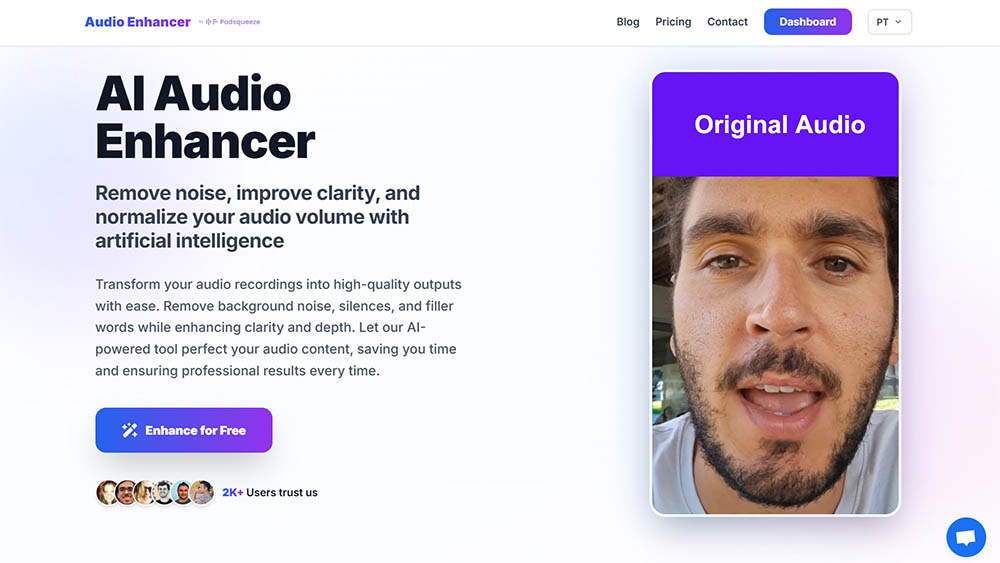
Natural sound, high reliability, and a frictionless workflow
In my experience, AudioEnhancer.com sits in a very comfortable middle ground between power and simplicity.
It performs exceptionally well in real-world recording conditions, including extreme background noise, strong room echo, plosives, mouth clicks, breaths, and severe volume imbalances. As long as the original voice is still recognizable, the results stay natural and stable, without the metallic or robotic artifacts that can appear with more aggressive approaches.
One thing I consistently noticed is how predictable the output is. Even when pushing it hard, the voice retains clarity and brightness, especially in echo-heavy recordings where Adobe can sometimes sound a bit muffled.
The interface is intentionally minimal: upload, process, download. There are no presets to tweak, no technical jargon, and no learning curve.
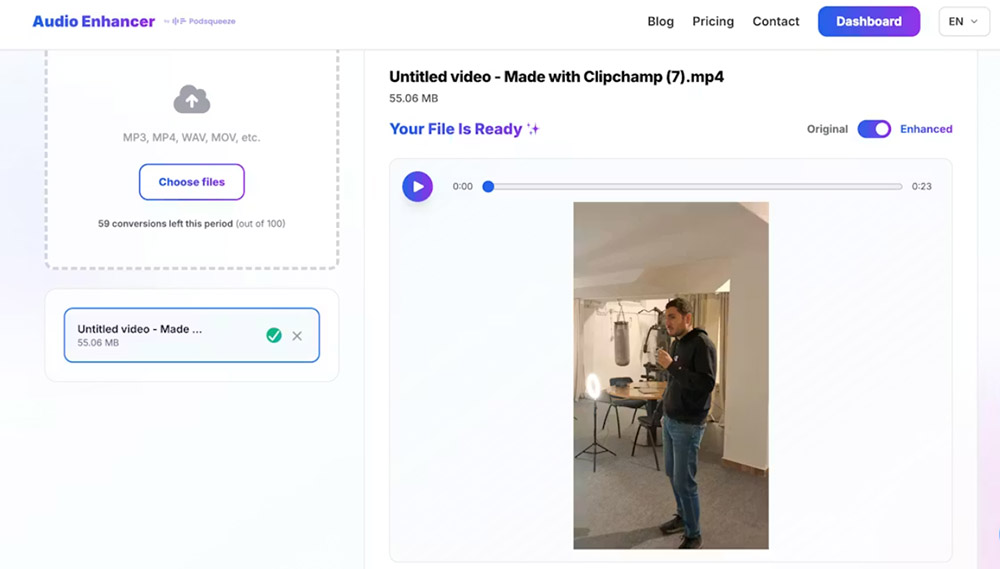
It also works with both audio and video, which makes it practical for content creators working across podcasts, YouTube, interviews, and UGC.
Where AudioEnhancer.com draws a clear boundary is voice resynthesis. It doesn't try to reconstruct voices that are extremely degraded, such as heavily compressed phone calls on speaker in a car. Instead, it focuses on cleaning and enhancing real recordings while preserving vocal identity.
Perfect for
-
Creators who want natural, professional-sounding results
-
Audio with extreme background noise, echo, plosives, mouth clicks and breathing
-
Recordings made with microphones or mobile devices
-
Interviews with large volume differences between speakers
-
Users who value a simple interface and fast results
-
Situations where the voice is recognizable but not extremely degraded
Auphonic
Broadcast-grade consistency and technical control
Auphonic has long been considered the gold standard of automatic audio mastering among podcasters and audio professionals, and that reputation is well earned.
Its philosophy is very clear: polish the original recording, not replace it. Instead of aggressive voice resynthesis, Auphonic focuses on technical optimization. Features like Intelligent Leveler, loudness normalization to broadcast standards (-14 LUFS for YouTube, -16 LUFS for podcasts), and Crossgate for reducing mic bleed in multi-microphone setups make it incredibly strong for interviews and recurring shows.
In practice, this means extremely consistent results across episodes. Voices sound balanced, dynamics feel controlled, and the overall sound remains honest and human. The DeBreath and DeClick modules also do a surprisingly good job removing breaths and mouth noises without drawing attention to themselves.
Auphonic also shines in professional workflows thanks to reprocessing flexibility and automation. Being able to tweak settings and re-run a file without extra cost is a big plus, especially for teams producing content regularly.
That said, Auphonic expects a bit more from the user. The interface feels dated, and the terminology (LUFS, gating, crossgate) can be intimidating for non-technical creators.
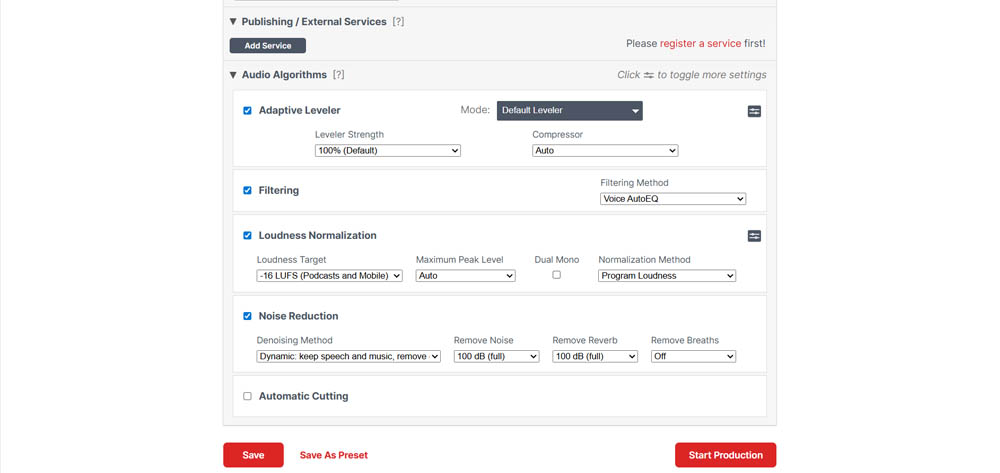
It's not hard to use, but it's less intuitive than AudioEnhancer.com.
It's also not designed for miracles. While it handles noise and reverberation well when the source is reasonable, it won't isolate speech from extreme chaos the way Adobe can.
Perfect for
-
Podcasters who want consistent sound across episodes
-
Interviews with multiple speakers and multiple microphones
-
Creators who care about broadcast loudness standards
-
Professionals who want more technical control and presets
-
Users migrating away from overly artificial-sounding tools
-
Teams that value automation and repeatability over simplicity
Adobe Podcast Enhance Speech
Extreme audio rescue through voice resynthesis
Adobe Speech Enhancer is the most aggressive tool in this comparison, and also the most polarizing.
Its strength lies in voice resynthesis. Instead of just cleaning the original signal, Adobe effectively generates a new voice that mimics the speaker. This makes it incredibly powerful when dealing with severely degraded audio, including heavy background noise, wind, machinery, overlapping voices, and highly compressed recordings.
In phone-like audio or recordings captured in impossible environments, Adobe often produces the most intelligible result of the three. It can feel like magic when everything else fails.
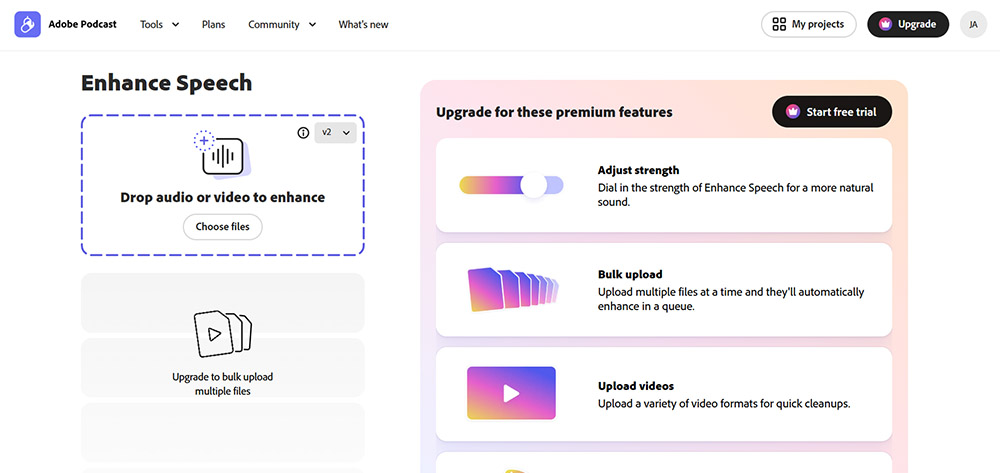
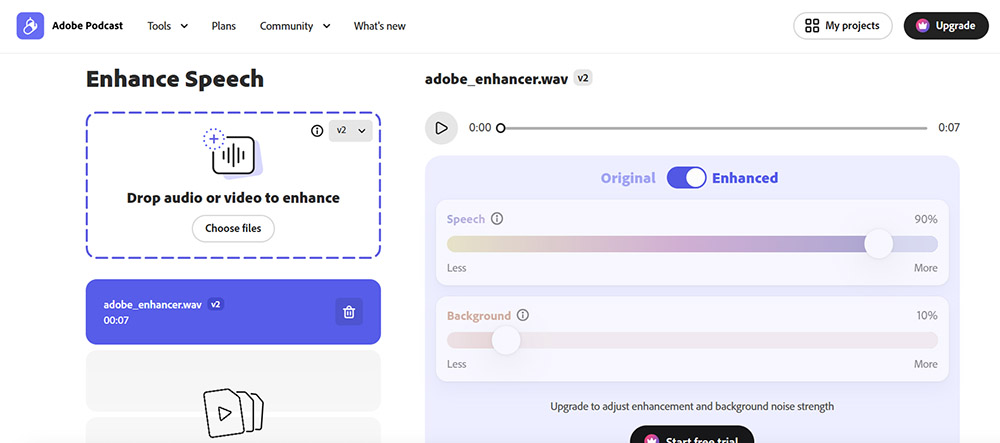
The downside is predictability. Because the voice is reconstructed, artifacts can appear. Metallic tones, robotic textures, or even occasional audio hallucinations are not uncommon, especially at full strength. The free version doesn't allow control over intensity, which increases the risk of overprocessing. The paid version improves this significantly when used more conservatively.
Adobe's interface is simple and fast, very much a drag-and-drop experience.
I tend to see it as a rescue tool, not a daily driver for professional content.
Perfect for
-
Heavily degraded or compressed audio
-
Recordings captured in chaotic or uncontrolled environments
-
Situations where voice reconstruction is necessary
-
Emergency or last-resort audio cleanup
-
Users who want a very simple interface
-
Scenarios where some risk of artifacts is acceptable
Final verdict: choosing the right tool
There's no single "best" option here. Each tool is excellent within its own philosophy.
-
If you want natural, reliable, professional results with minimal effort, AudioEnhancer.com is the safest and most consistent choice.
-
If you want technical control, broadcast-level consistency, and repeatable mastering, Auphonic remains a gold standard, especially for podcasts and interviews.
-
If you need to rescue severely degraded audio that other tools can't handle, Adobe Speech Enhancer is unmatched, with the trade-off of potential artifacts.
The real decision isn't about raw quality. It's about how much control you want, how bad your audio really is, and how much friction you're willing to accept in your workflow.